Complete Video Conferencing Room Systems & Bundled Kits
Start with a room package, then confirm every device, connection and service in your quotation.
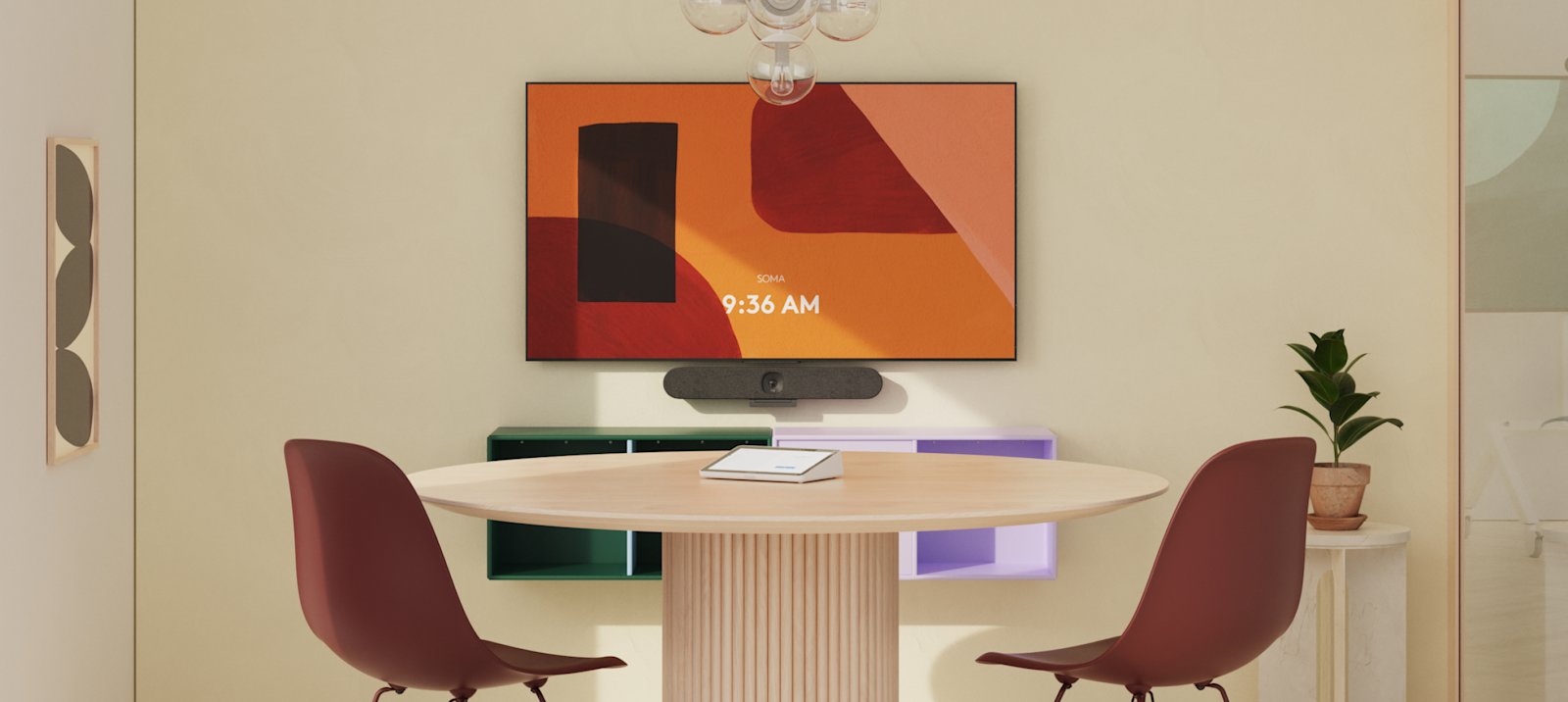
Explore room solutions by size and brand
These are indicative starting options. Alternatives shown with “or” are separate choices, not combined contents. Exact components, platform certification, local availability and final prices require review.
U50 + WB05 + Dongle
Deployment: BYOD
Compact huddle spaces; simple wireless collaboration
Indicative option · exact regional SKU and package contents require review.
Explore in room planner ↗UVC 40 E2 + RoomCast + WPP30
Deployment: BYOD
Compact AI video bar for focus and huddle spaces
Indicative option · exact regional SKU and package contents require review.
Explore in room planner ↗Poly Studio V12 or Poly Studio X32 (depending on platform architecture)
Deployment: USB BYOD (V12) / appliance (X32)
Compact Poly deployment with choice of USB or appliance architecture
Indicative option · exact regional SKU and package contents require review.
Explore in room planner ↗Rally Bar Huddle
Deployment: Appliance / USB BYOD
Simple compact all-in-one video bar
Indicative option · exact regional SKU and package contents require review.
Explore in room planner ↗MAXHUB XBoard V7 MTR 55/65-inch Or Xbar V50 Kit + Dongle
Deployment: Microsoft Teams Rooms (Windows/Android) & BYOD
Interactive display plus integrated Teams Rooms experience
Indicative option · exact regional SKU and package contents require review.
Explore in room planner ↗MeetingBar A40 + WPP30 Or 55"/65" MeetingBoard
Deployment: Android appliance / BYOD
All-in-one bar for small rooms; simple deployment
Indicative option · exact regional SKU and package contents require review.
Explore in room planner ↗Poly Studio V12 (USB) or Poly Studio X32 (appliance)
Deployment: USB BYOD / appliance
Choice of USB simplicity or appliance-based room system
Indicative option · exact regional SKU and package contents require review.
Explore in room planner ↗MeetUp 2 or Rally Bar Huddle
Deployment: USB BYOD / appliance
Cost-conscious compact room deployment
Indicative option · exact regional SKU and package contents require review.
Explore in room planner ↗MAXHUB XBoard V7 MTR 75-inch (e.g., V755T)
Deployment: Microsoft Teams Rooms (Windows)
Interactive display-led meeting room with collaboration features
Indicative option · exact regional SKU and package contents require review.
Explore in room planner ↗MeetingBar A50 or MVC S50 Or MB75Pro
Deployment: Android appliance / Windows MTR kit
A50 for all-in-one; MVC S50 for Windows-based room standardisation
Indicative option · exact regional SKU and package contents require review.
Explore in room planner ↗Poly Studio V52 (USB) or Poly Studio X52 (appliance)
Deployment: USB BYOD / appliance
Flexible medium-room solution with expansion microphone options
Indicative option · exact regional SKU and package contents require review.
Explore in room planner ↗Rally Bar Mini
Deployment: Appliance / USB BYOD
Medium-capable all-in-one system with expansion audio
Indicative option · exact regional SKU and package contents require review.
Explore in room planner ↗MAXHUB XBoard V7 MTR 86-inch (e.g., V865T) or XBoard + dedicated AV system Or Xbar V70 Kit + Dongle
Deployment: Microsoft Teams Rooms (Windows) / integrated AV
Large interactive collaboration room
Indicative option · exact regional SKU and package contents require review.
Explore in room planner ↗MVC S80 / MVC S90 (select by room design)
Deployment: Windows MTR
Scalable room kit for large / boardroom environments
Indicative option · exact regional SKU and package contents require review.
Explore in room planner ↗Poly Studio V72 (USB) or Poly Studio X72 (appliance)
Deployment: USB BYOD / appliance
High-end large-room Poly system
Indicative option · exact regional SKU and package contents require review.
Explore in room planner ↗Rally Bar or Rally Plus (depending on room scale)
Deployment: Appliance / USB BYOD
Modular audio expansion and larger-room coverage
Indicative option · exact regional SKU and package contents require review.
Explore in room planner ↗Plan the complete system
Room categories overlap. Check the seating layout, camera distance, acoustics and meeting platform before choosing a system. Large rooms may need additional microphones, speakers, DSP, cameras, displays or acoustic treatment.
Huddle · bill of materials checklist
- Core device: Video bar / compact all-in-one
- Touch controller: Optional, based on platform
- Audio expansion: Usually integrated; add only if coverage requires
- Wireless sharing: Optional
- Display: Existing display or display included in bundle
- Compute / licence: Confirm Teams Rooms / Zoom Rooms / BYOD mode
- Other / installation: Mount, network, HDMI/USB, power, cable management
Small · bill of materials checklist
- Core device: All-in-one bar or interactive MTR display
- Touch controller: Touch controller if not integrated
- Audio expansion: Optional expansion mic / speakerphone
- Wireless sharing: Optional dongle or wireless sharing system
- Display: Single display / interactive display
- Compute / licence: Confirm room compute and room license
- Other / installation: Mount, network, HDMI/USB, power, cable management
Medium · bill of materials checklist
- Core device: Higher-capability bar or Windows MTR kit
- Touch controller: Dedicated touch controller
- Audio expansion: Expansion table/ceiling mics and speakers as required
- Wireless sharing: Wireless sharing
- Display: Single or dual display
- Compute / licence: Confirm compute, platform certification and room license
- Other / installation: DSP if required, mounts, network, cabling, commissioning
Large · bill of materials checklist
- Core device: Large-room kit / modular AV system
- Touch controller: Dedicated touch controller
- Audio expansion: Designed ceiling/table microphones, DSP and speakers
- Wireless sharing: Wireless sharing / BYOD bridge
- Display: Dual displays often preferred
- Compute / licence: Windows MTR / Zoom Rooms compute and license
- Other / installation: Camera positioning, acoustic review, DSP programming, cabling, commissioning
Licensing, compute, controllers, mounts, cables, installation, warranty and support are included only when stated in the final bill of materials. Country availability, currency, tax and pricing must be confirmed.
Compare the room solution approaches
These are planning considerations from the comparison workbook. Verify model, platform and room suitability before selection.
MAXHUB
- Huddle / Small strengths: Compact BYOD and integrated display-led options
- Medium strengths: XBoard V7 MTR interactive display platform; accessories for room control/audio
- Large strengths: Large interactive display; may need dedicated AV/audio for full-room coverage
- Typical architecture options: XBoard MTR / BYOD / wireless sharing
- Considerations: Strong fit where interactive display and whiteboarding are valued; validate audio coverage and exact MTR SKU.
Yealink
- Huddle / Small strengths: MeetingBar A25/A40 all-in-one approach
- Medium strengths: A50 or MVC S50 room kit
- Large strengths: MVC S80/S90 with dedicated camera/audio ecosystem
- Typical architecture options: Android appliance and Windows MTR; BYOD options
- Considerations: Broad portfolio across room sizes; large-room design can scale with ceiling audio and DSP.
Poly (HP)
- Huddle / Small strengths: Studio V12 / X32 options
- Medium strengths: V52 / X52 with Studio A2 microphones
- Large strengths: V72 / X72 with Studio A2 microphones
- Typical architecture options: USB BYOD and appliance-based X Series
- Considerations: Good architecture choice between USB and appliance; check current regional availability and microphone design.
Logitech
- Huddle / Small strengths: Rally Bar Huddle / MeetUp 2
- Medium strengths: Rally Bar Mini / Rally Bar
- Large strengths: Rally Bar / Rally Plus with Mic Pods and hubs
- Typical architecture options: Appliance mode, USB mode and room compute options
- Considerations: Mature modular room ecosystem; expansion microphones and controller/compute choices affect total BOM.
Planning room dimensions: Small approximately 3 × 4.5 m; Medium approximately 4.5 × 6 m; Large approximately 5.5 × 8.5 m and above. Room categories overlap; layout, camera distance, acoustics and platform determine the final design. Large rooms may need ceiling audio, DSP, additional cameras, dual displays or acoustic treatment. Confirm exact regional SKU and certification.
Editable room concept 01Small Teams room
A room brief to adapt. Hardware and compatibility are confirmed during review.
Explore this setup Editable room concept 02
Medium Zoom room
A room brief to adapt. Hardware and compatibility are confirmed during review.
Explore this setup Editable room concept 03
Boardroom reference design
A room brief to adapt. Hardware and compatibility are confirmed during review.
Explore this setupAlready have a preferred system?


Make it work as a complete room.
Start with dimensions, your meeting platform and the equipment you want to keep.